


Using my eyes and fingers to interact with the UI immediately made for an immersive, intuitive and seamless experience.
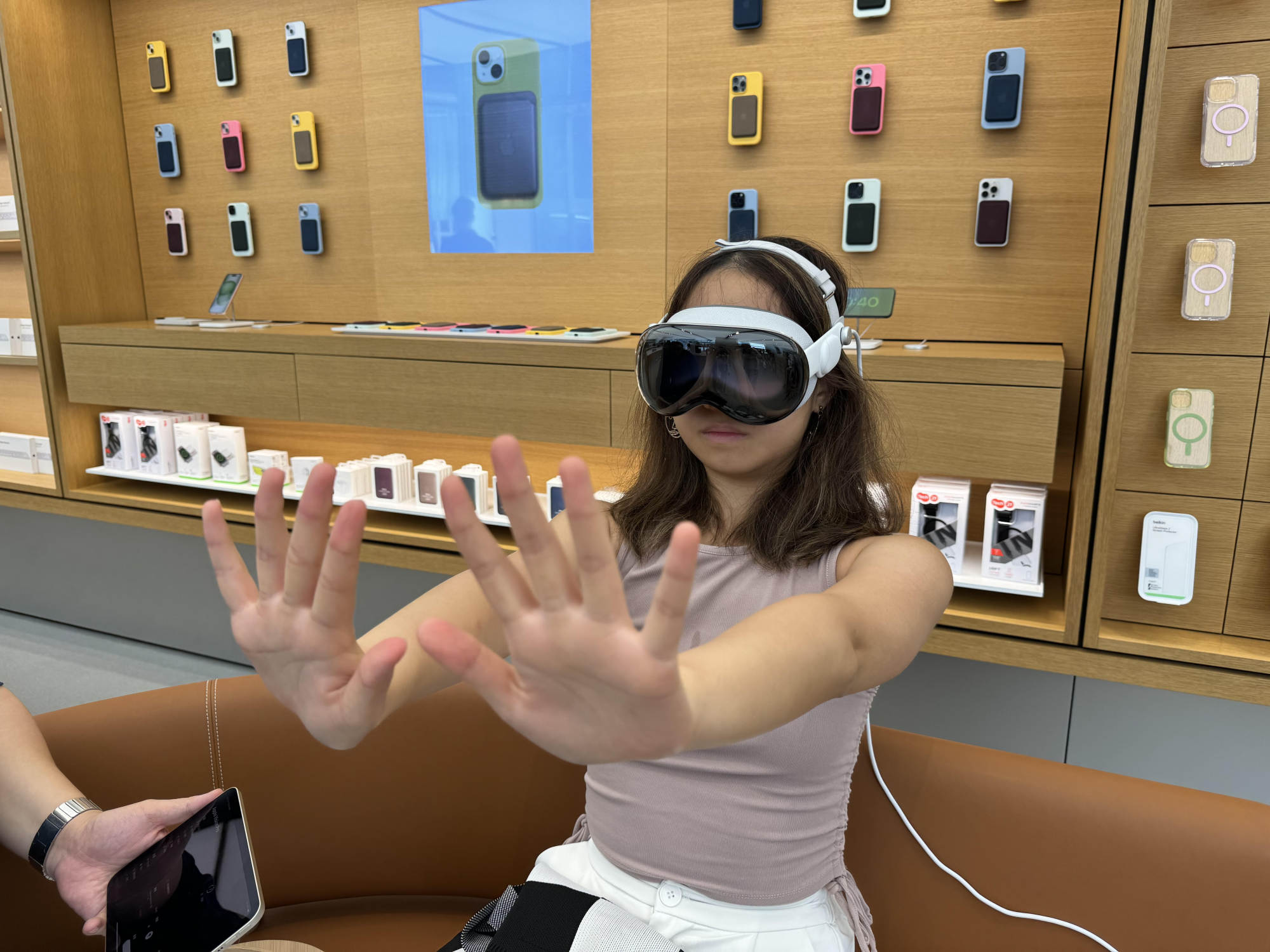
Swiping through the photo album on a headset that supports spatial audio and video felt like I was watching a movie through 3D glasses, except it really put me inside the movie, reliving some of my life’s most intimate moments.
In terms of productivity, I was able to easily set up multiple interfaces and multitask across multiple windows. One drawback is that even though the headset supports voice input, it still has some inaccuracies. Hopefully Apple will fix this in a Fall 2024 upgrade.
Users should ensure that the headset is fitted properly from the start, as even the slightest movement can cause the image to become slightly out of focus.
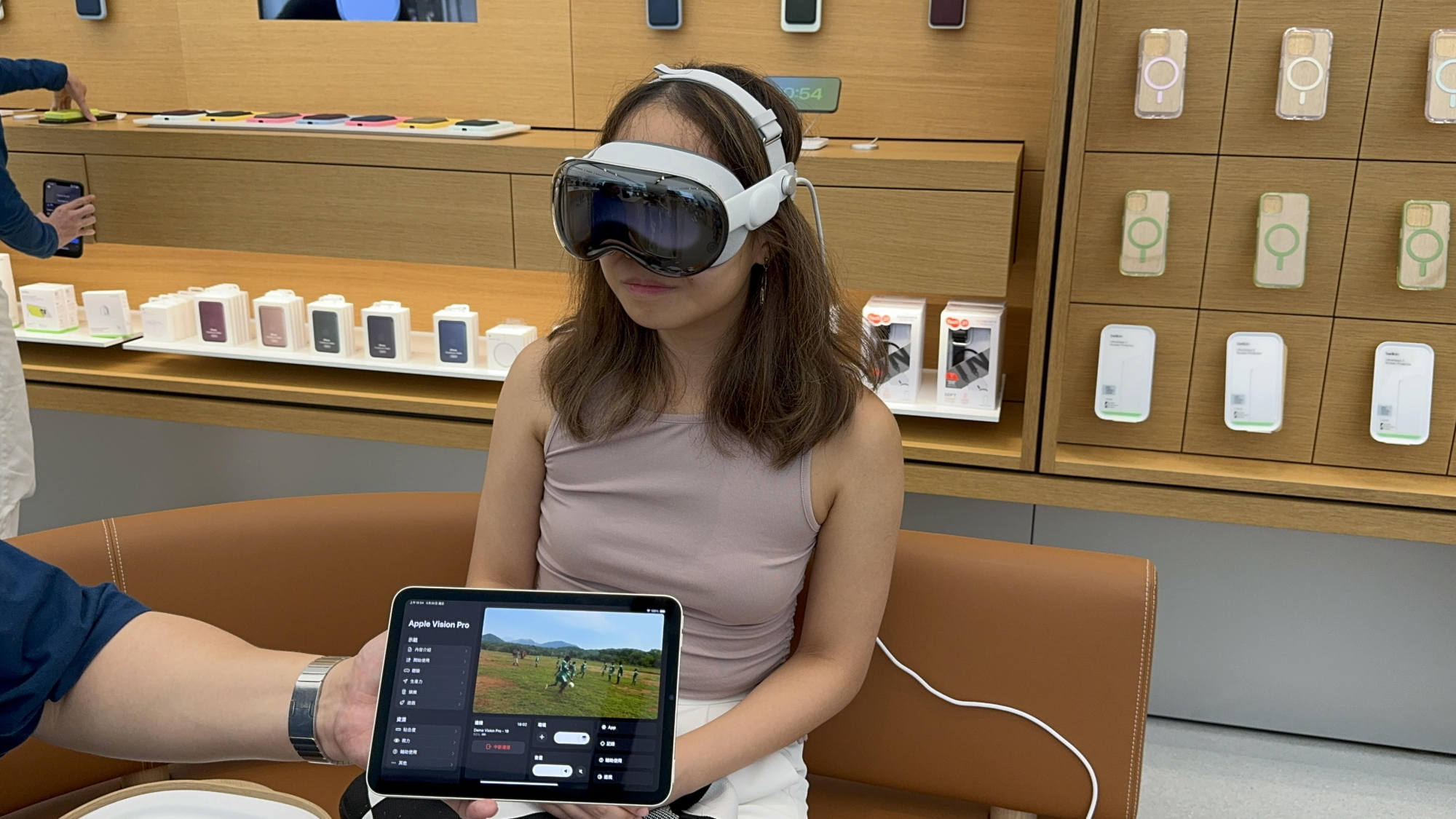
While I wouldn’t consider it a reliable laptop replacement, the Vision Pro’s superior visual and sound capabilities make it a great gadget for entertainment.
Joan Yau
Elderly gadget geek
I’ve been using the American unit for almost half a year now, and I have a lot of thoughts about it.
The Vision Pro’s two MicroOLED screens project images that appear to be floating in front of your eyes in the real world.
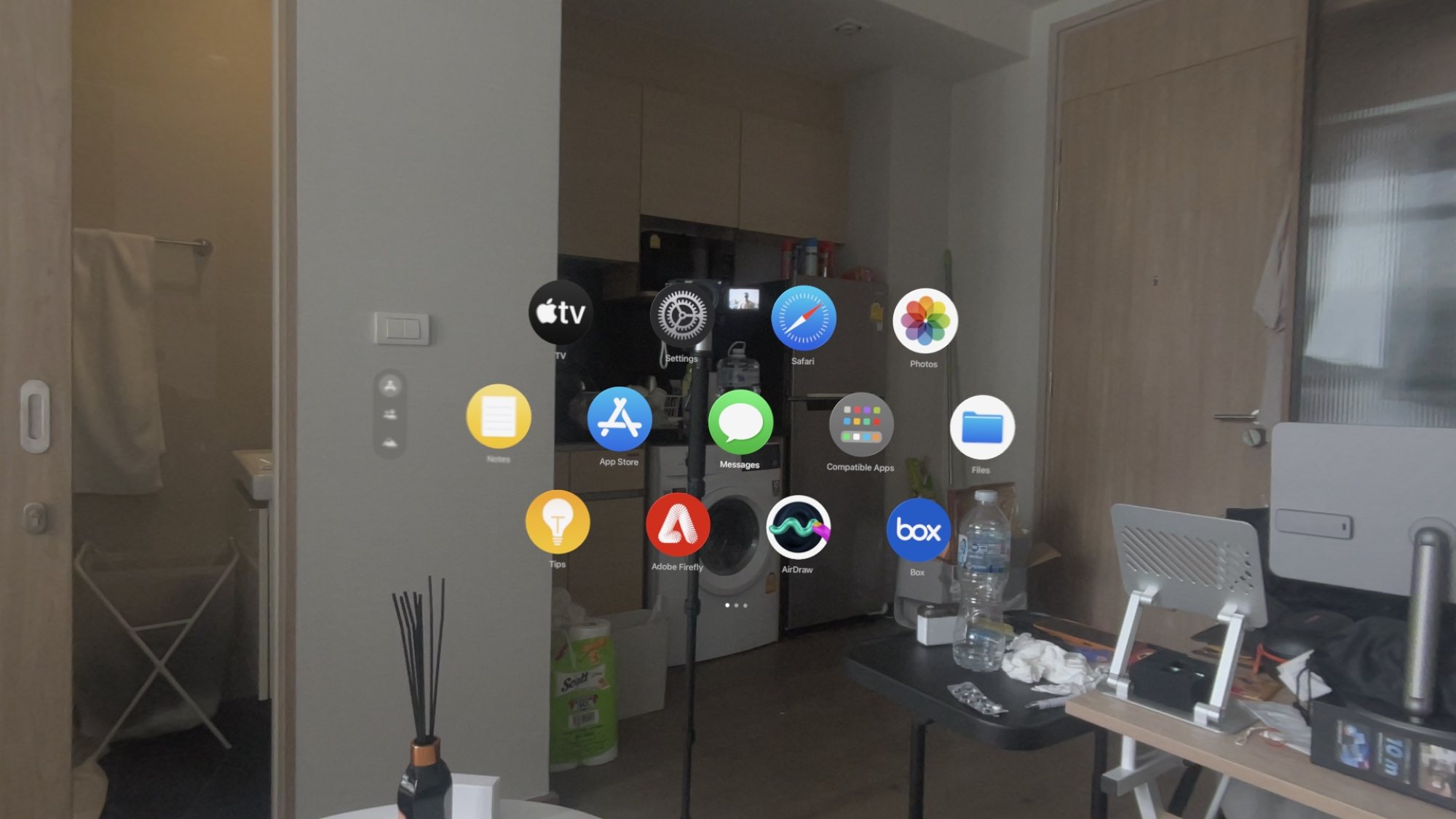
For example, you could have a YouTube video playing next to your actual TV or have Microsoft Word documents cluttering up an entire wall in your kitchen — that’s why it’s called mixed reality.
The headset runs Apple’s VisionOS software, which works very similarly to the software on an iPad: you interact with the UI with your eyes and fingers, while Vision Pro uses inward-facing infrared sensors to track eye movements and a downward-facing camera to track hand movements.
For example, if you want to select the email app, you just look at the app icon and tap it with your index finger and thumb.
What is the experience like?
In everything I’ve explained in the last two paragraphs, the Vision Pro lives up to its claims: the projected image is highly immersive, with crisp 4K resolution and a vast field of view.
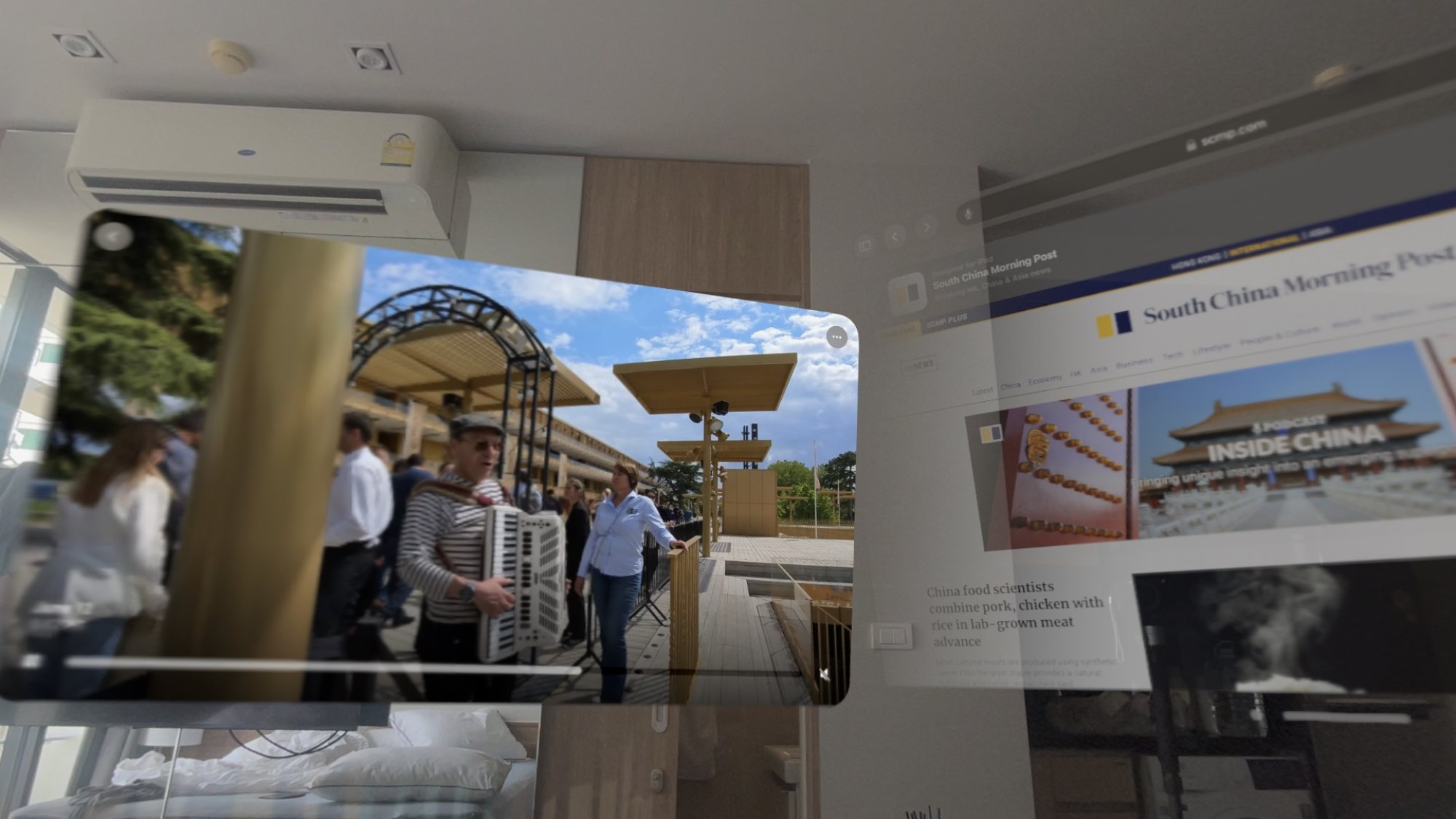
Even after six months of daily use, I’m still amazed by the technology when I open a YouTube video that fills my field of vision or look back at old photos of loved ones in near life-size.
Navigating menus and apps with your eyes and hands sounds like an impossibly futuristic thing to do, but the Vision Pro’s sensors make it possible with a very low error rate.
But there’s not much you can do with the Vision Pro right now beyond watching videos, browsing the internet, and running certain Apple apps.
This means that to consume content from these platforms, you have to use the inferior web versions.
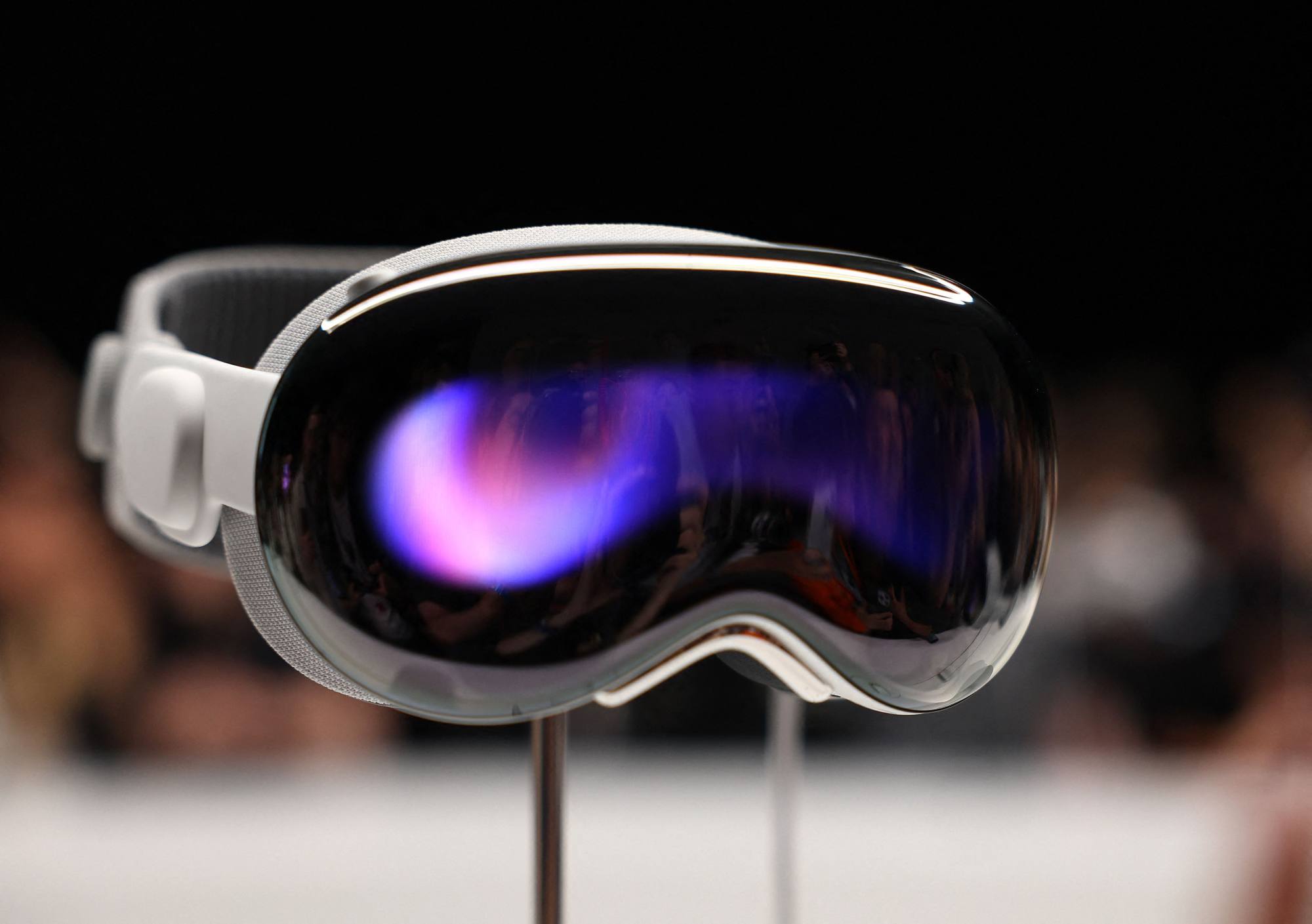
The Vision Pro has one significant drawback: it’s too heavy at 650 grams (1.4 pounds) and the weight is concentrated entirely at the front.
I consider myself a healthy adult with no aches or pains, but even I cannot wear the Vision Pro for more than 10-15 minutes in an upright position because the weight of the headset is too uncomfortable on my face and neck.
It’s a lot better if you can rest your head against something, like the headrest of a chair, or even lie down. In fact, I mainly use the Vision Pro when I’m sleeping on my back in bed, face up.
It’s a shame the Vision Pro is so heavy, because I want to wear it for productivity tasks, like using it as a virtual big screen monitor for my laptop.
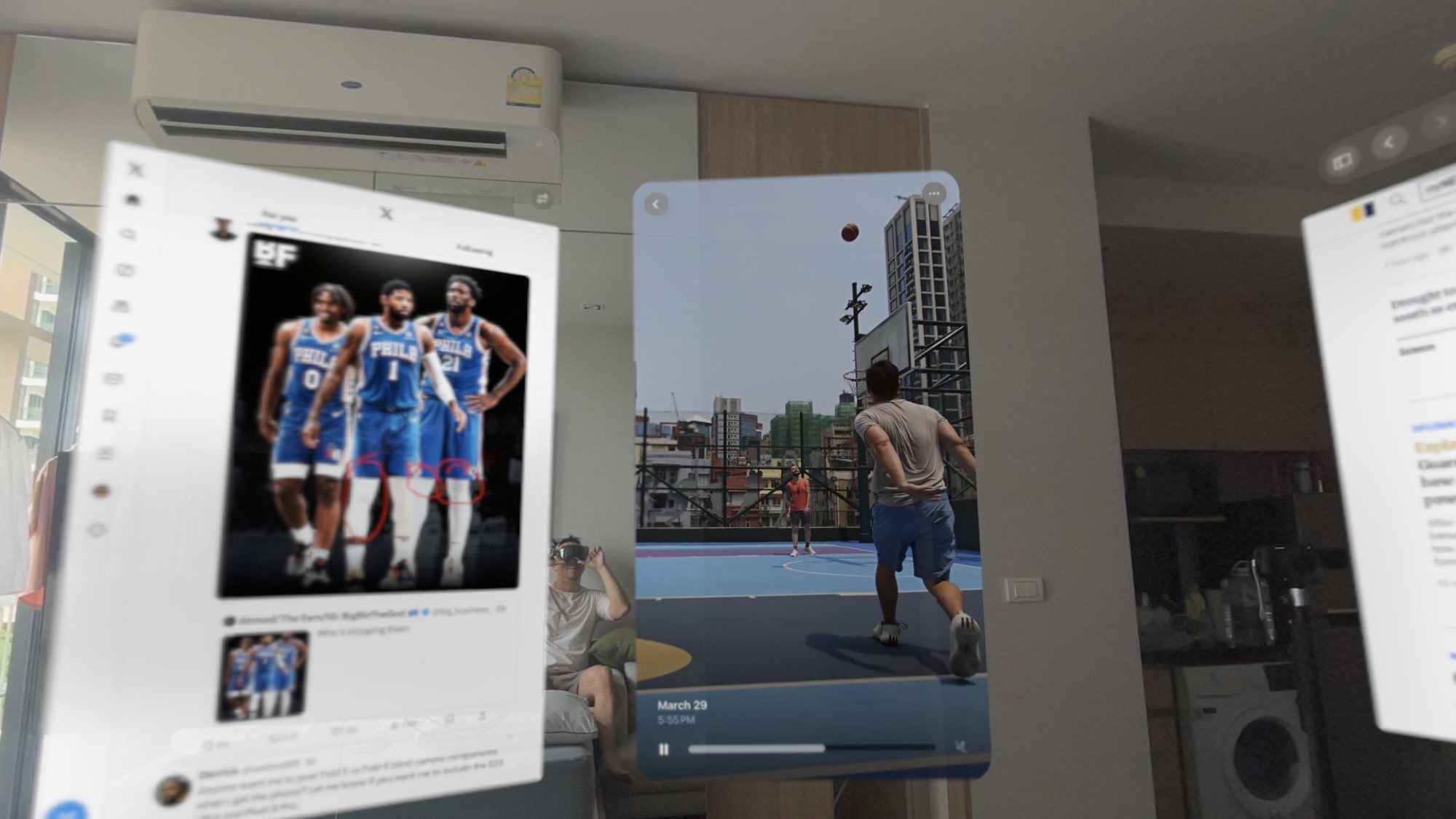
But if you can handle the weight and price, the Vision Pro is a fascinating piece of equipment, and feels entirely futuristic. I’ve essentially stopped using flatscreen TVs since I bought my Vision Pro.
Ben Singh
The Vision Pro can be ordered in Apple Stores and on the company’s website, and a free in-store demo session can be booked online where a staff member will help you adjust the size and explain the headset’s features.
For customers who wear glasses, our staff will perform the Zeiss Optical Insert process to adjust the headset for clarity and sharpness, and the customized headset will then be mailed to you.